 SprinkFlow
Start free trial
SprinkFlow
Start free trial
SprinkFlow
Start free trial
SprinkFlow
Start free trial
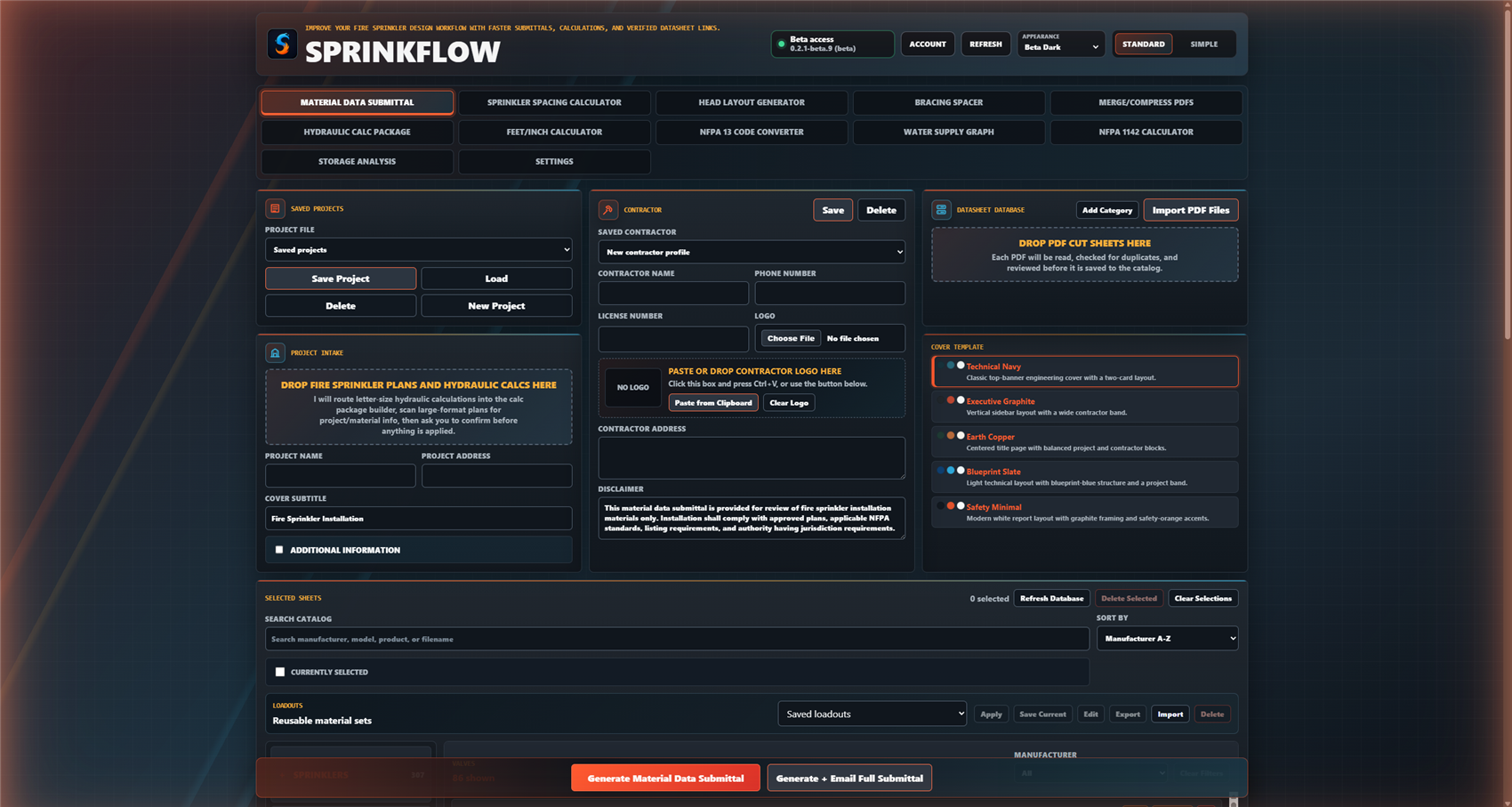
SprinkFlow Tools turns a pile of cut sheets and calcs into a clean, bookmarked submittal package — plus a full kit of calc and design tools for the trade. Built by a sprinkler designer, for sprinkler designers.
Fire sprinkler calculators and NFPA 13 references in your pocket — storage hazard, sprinkler spacing, water supply, and more — plus games: NFPA 13 trivia, a study mode, and the daily SprinkWord puzzle. No download required.
Subscribers get early access to SprinkFlow Design Studio — our Windows CAD program for sprinkler design. Bring in the job's background, lay out heads, route pipe, run hydraulics on the system you actually drew, and give it real elevations. It's the program we're building next, and you get to use it while we build it.
It's an alpha, and we say so on purpose. Parts of it are unfinished, it changes every week, and what changes is decided by what testers run into. Press F12 anywhere in the Studio to file a bug — it grabs a screenshot for you to mark up and sends it straight to us. That loop is the whole point of the alpha.
Drop your plans, let SprinkFlow pull the project details and datasheets, fill any gaps, then generate a clean, bookmarked package — start to finish.
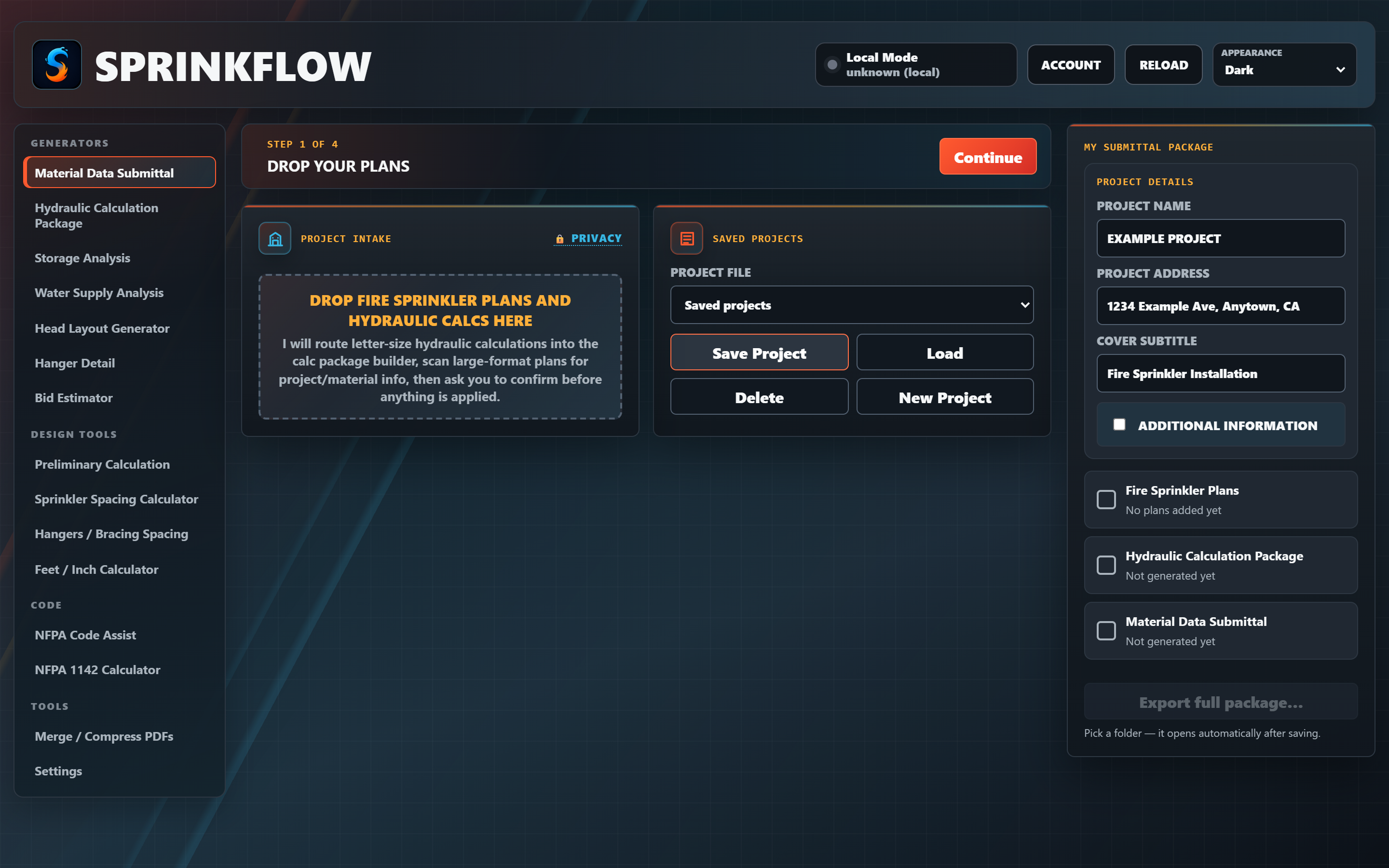
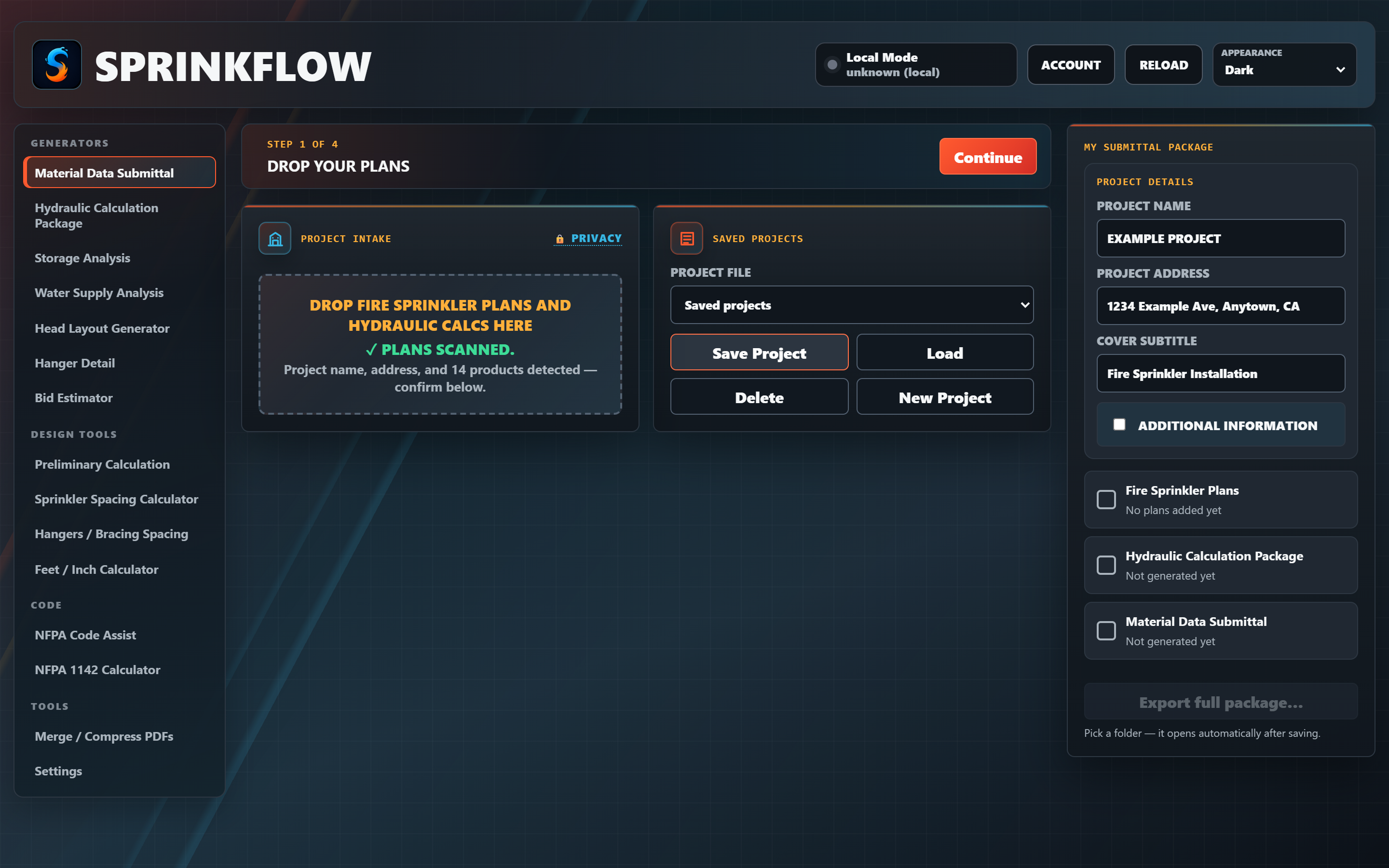
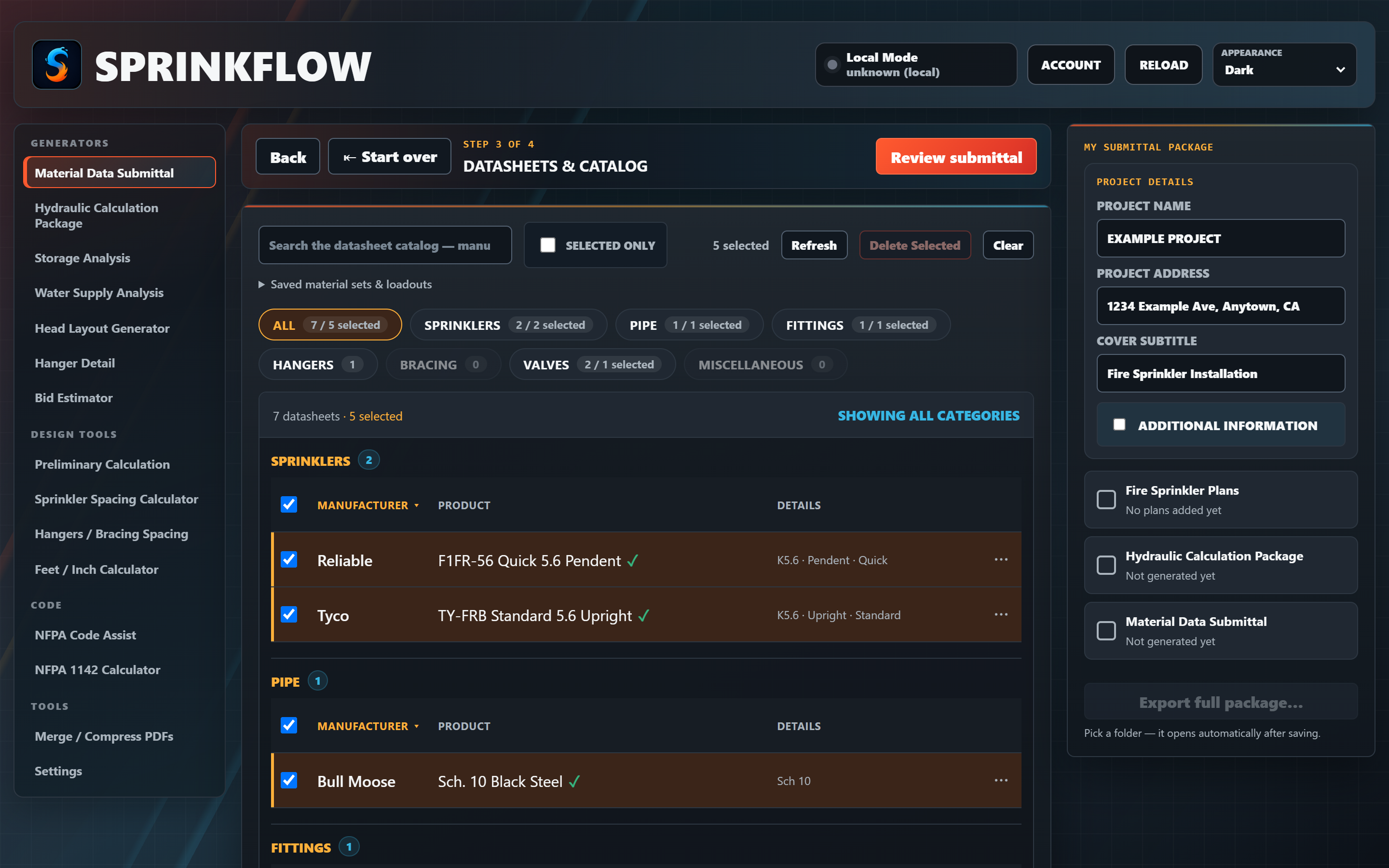
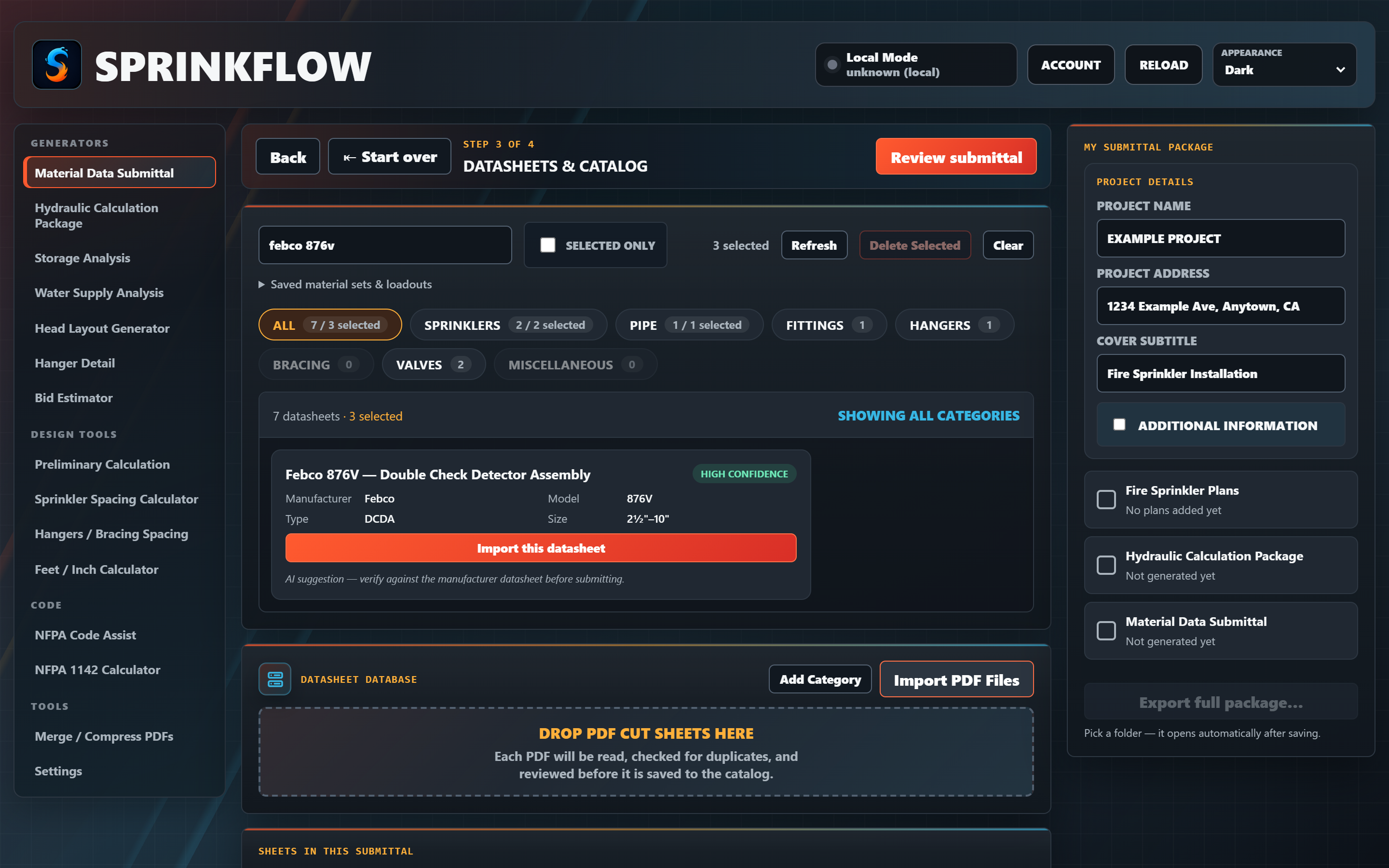
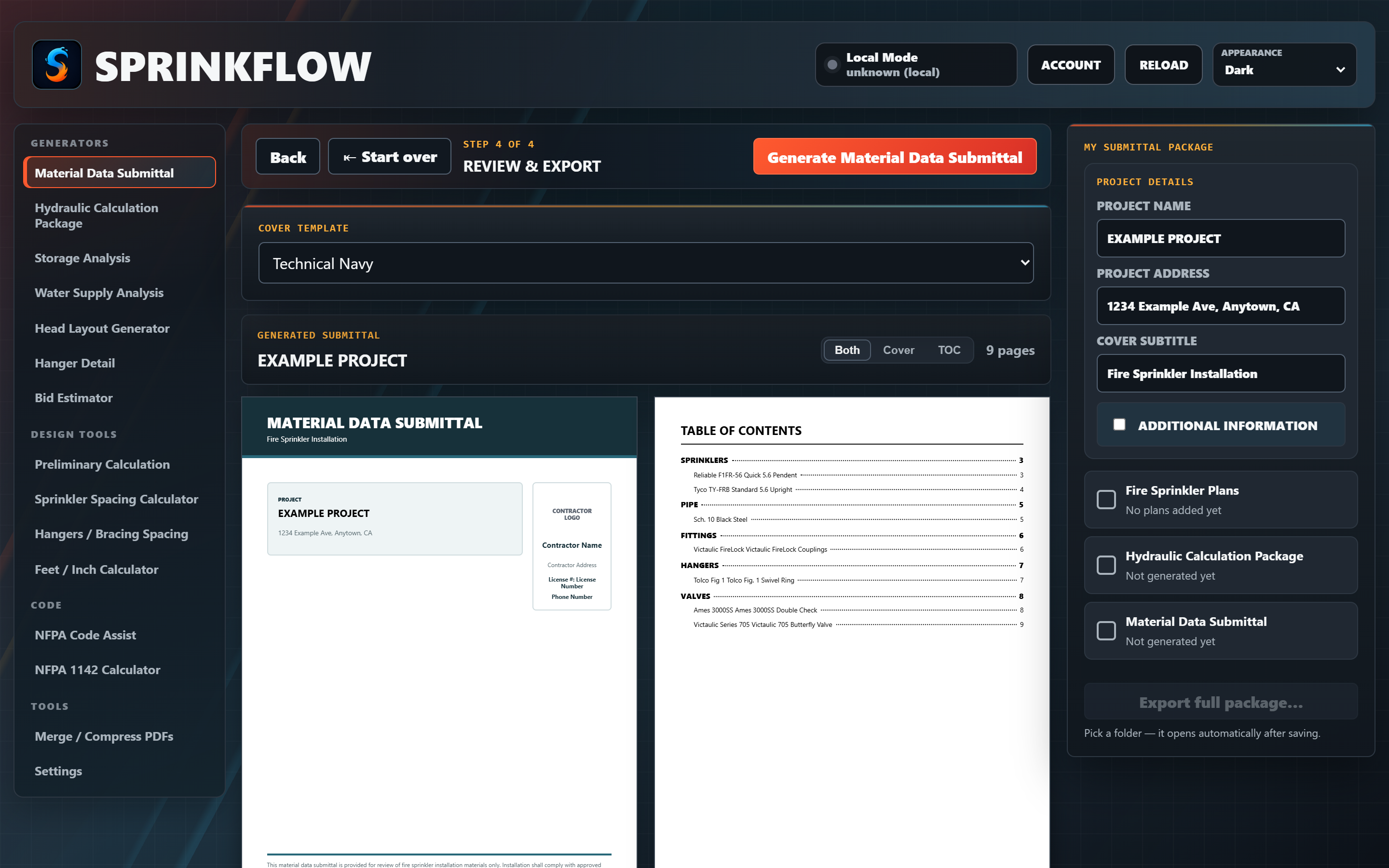
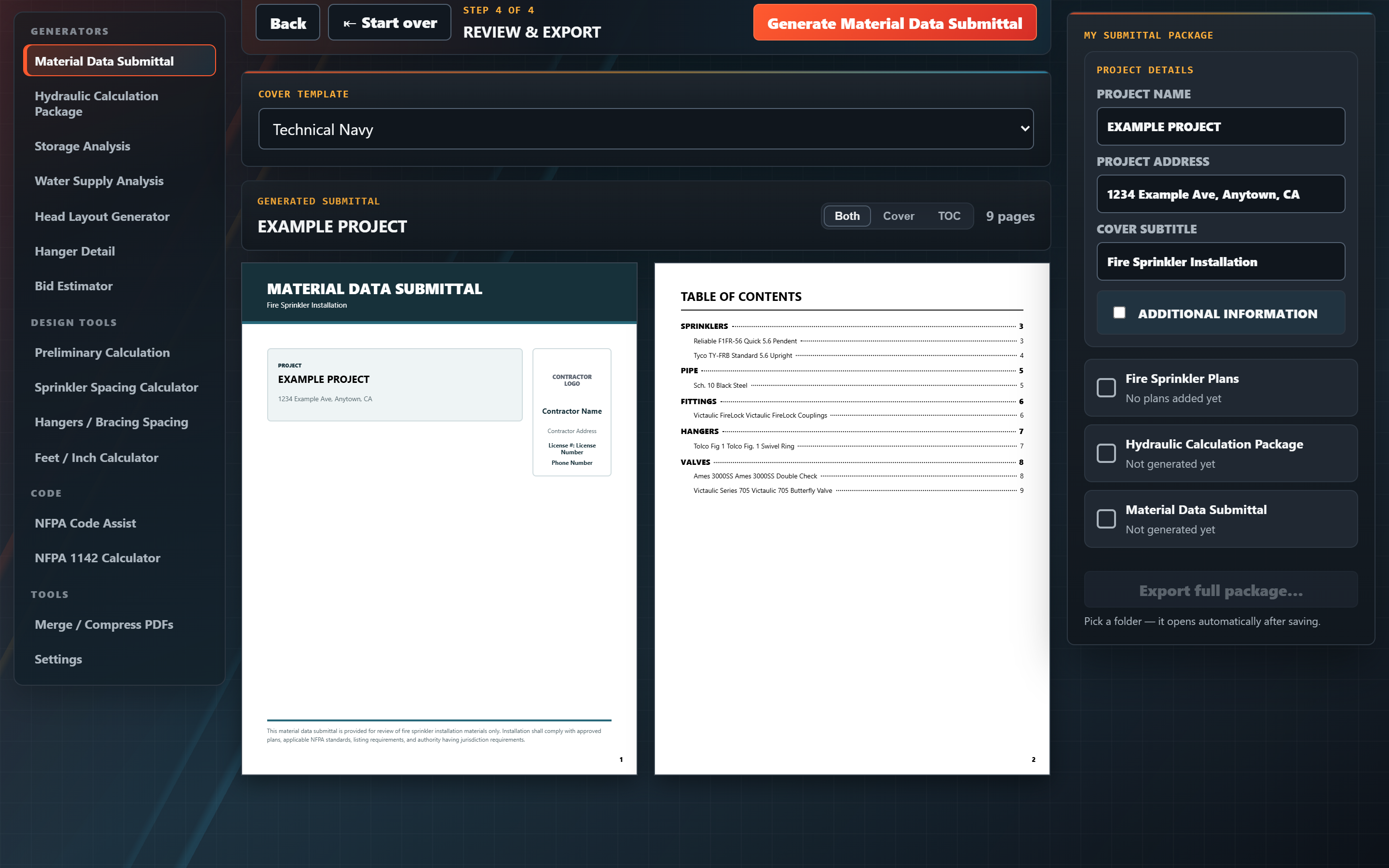
Submittals are just the start. SprinkFlow Tools packs the generators, calcs, lookups, and utilities you'd otherwise keep a dozen tabs and spreadsheets open for — all in one window. Tools marked Early Access are extra goodies included with your subscription while they mature — fully usable today, sharper with every release.
Drop in your hydraulic calc PDFs and SprinkFlow organizes them into a clean, bookmarked package — edit the table of contents as needed, hit generate, done. The same cover-sheeted, indexed treatment as your material submittal, for your calcs.
Pick your commodity and arrangement and SprinkFlow lays out every applicable NFPA 13 protection option at once — ESFR, CMSA, CMDA, in-rack — with densities and demands, across multiple code editions. Compare, choose, and export a clean analysis.
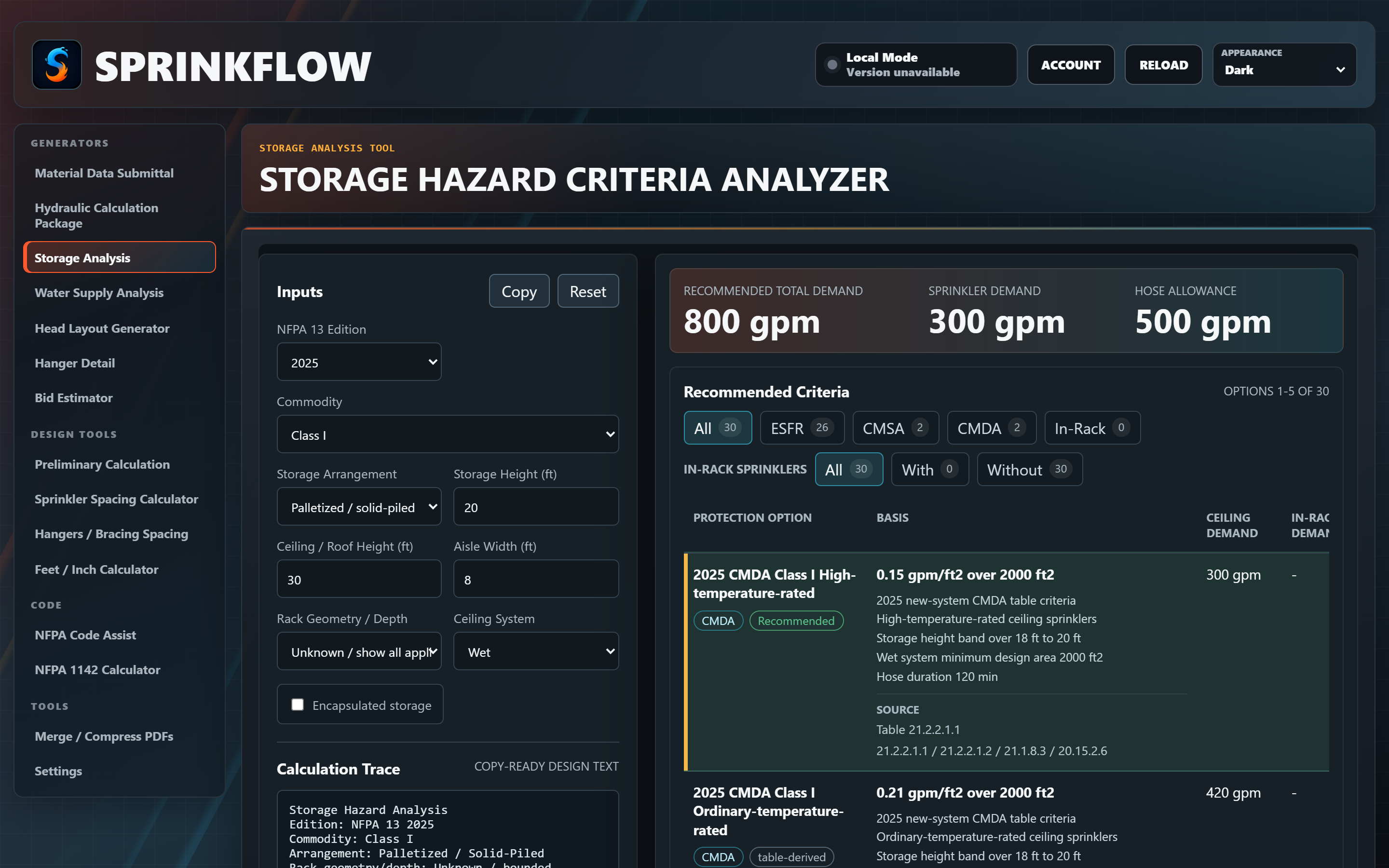
Enter your static, residual, and pitot readings and SprinkFlow plots the hydrant flow curve and builds a water-supply report you can drop straight into a submittal — with your demand point overlaid on the curve.
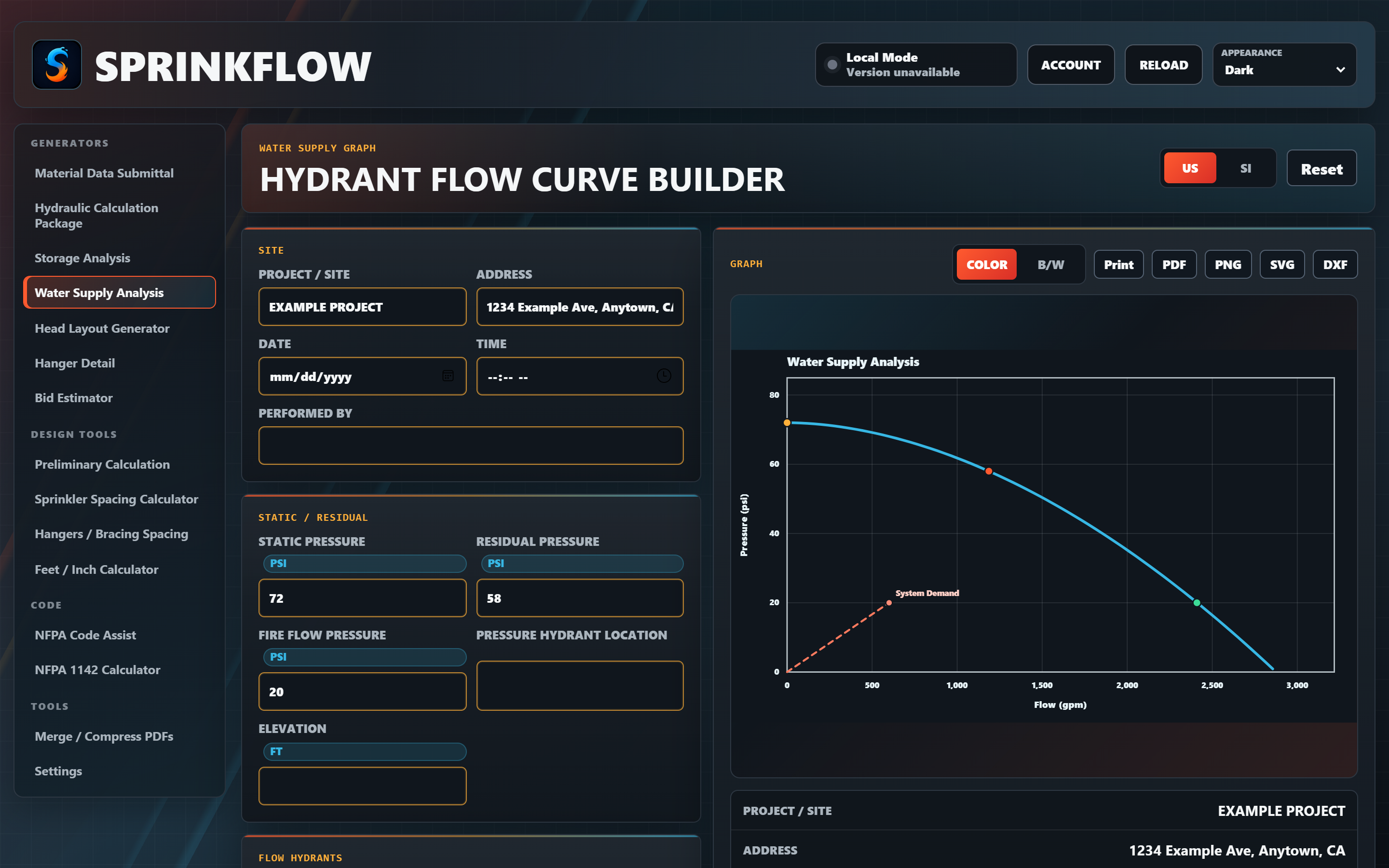
Give it a room and a coverage area and it lays out an evenly-spaced head layout in a click — every dimension you need, ready to copy. Or export the layout to DXF and pull it straight into your design program.
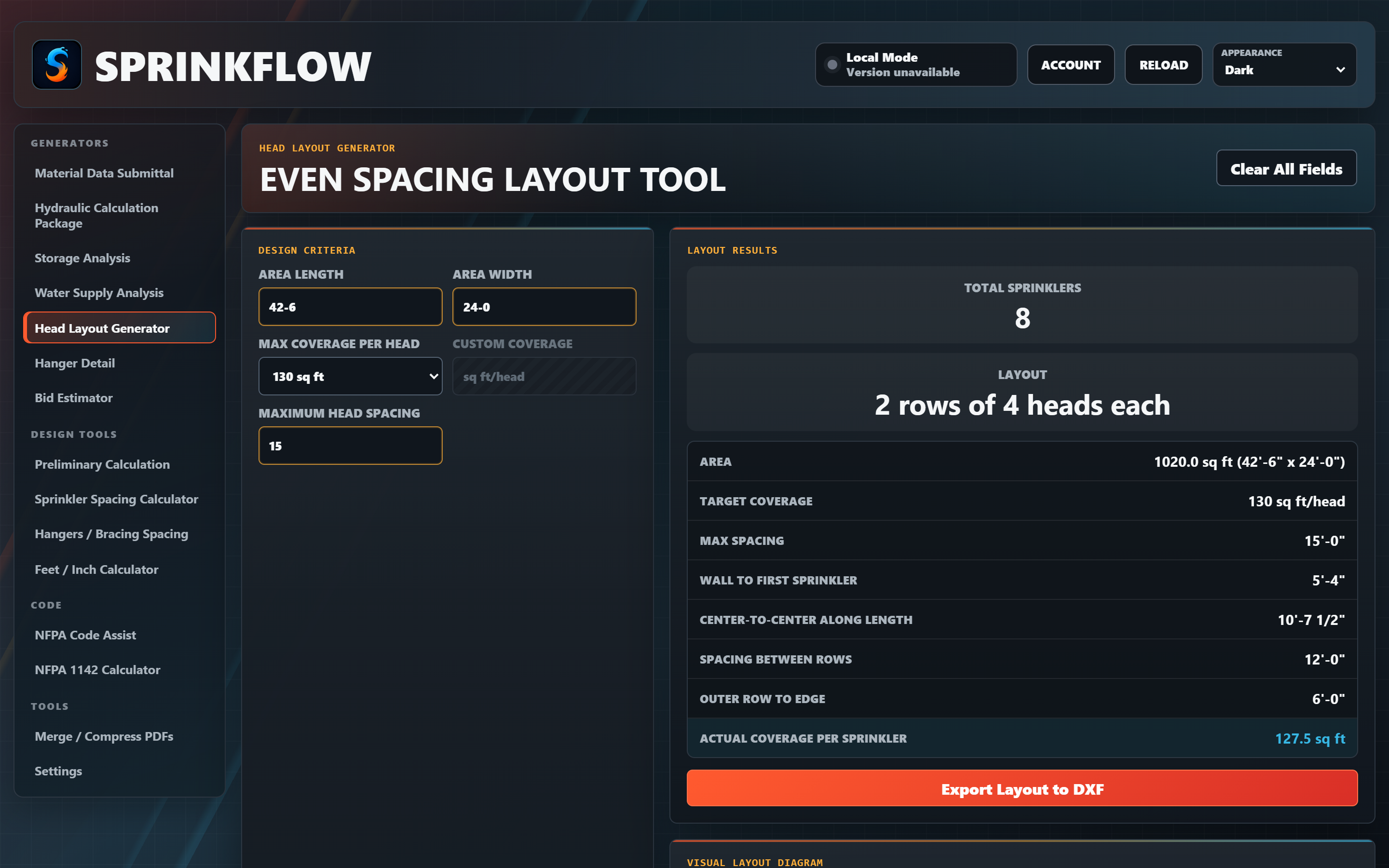
Build a clean fire-sprinkler hanger detail right in the browser and export it as a PNG or DXF. It's early — a focused set of options today, growing over time — but already a handy way to produce a crisp detail in seconds.
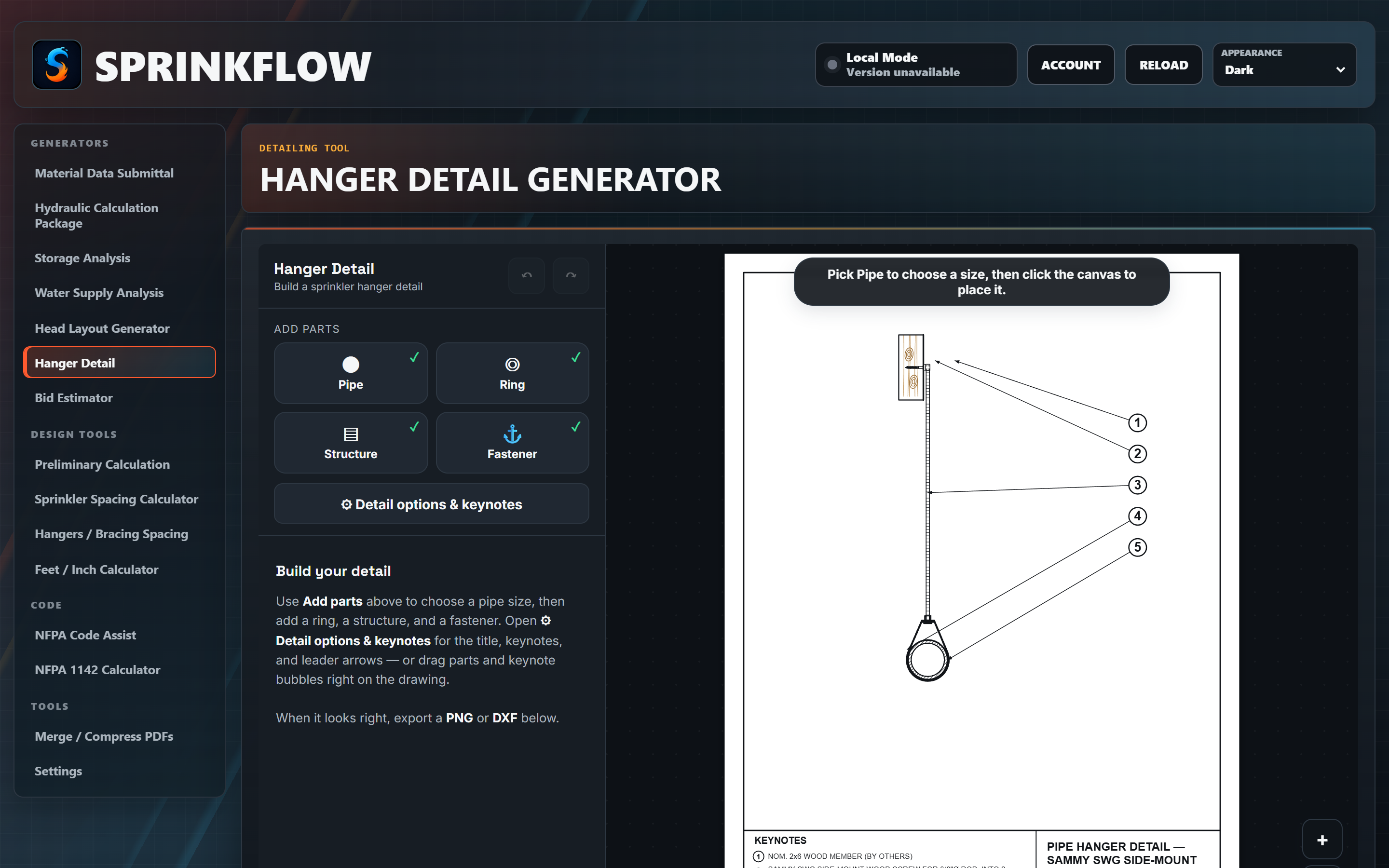
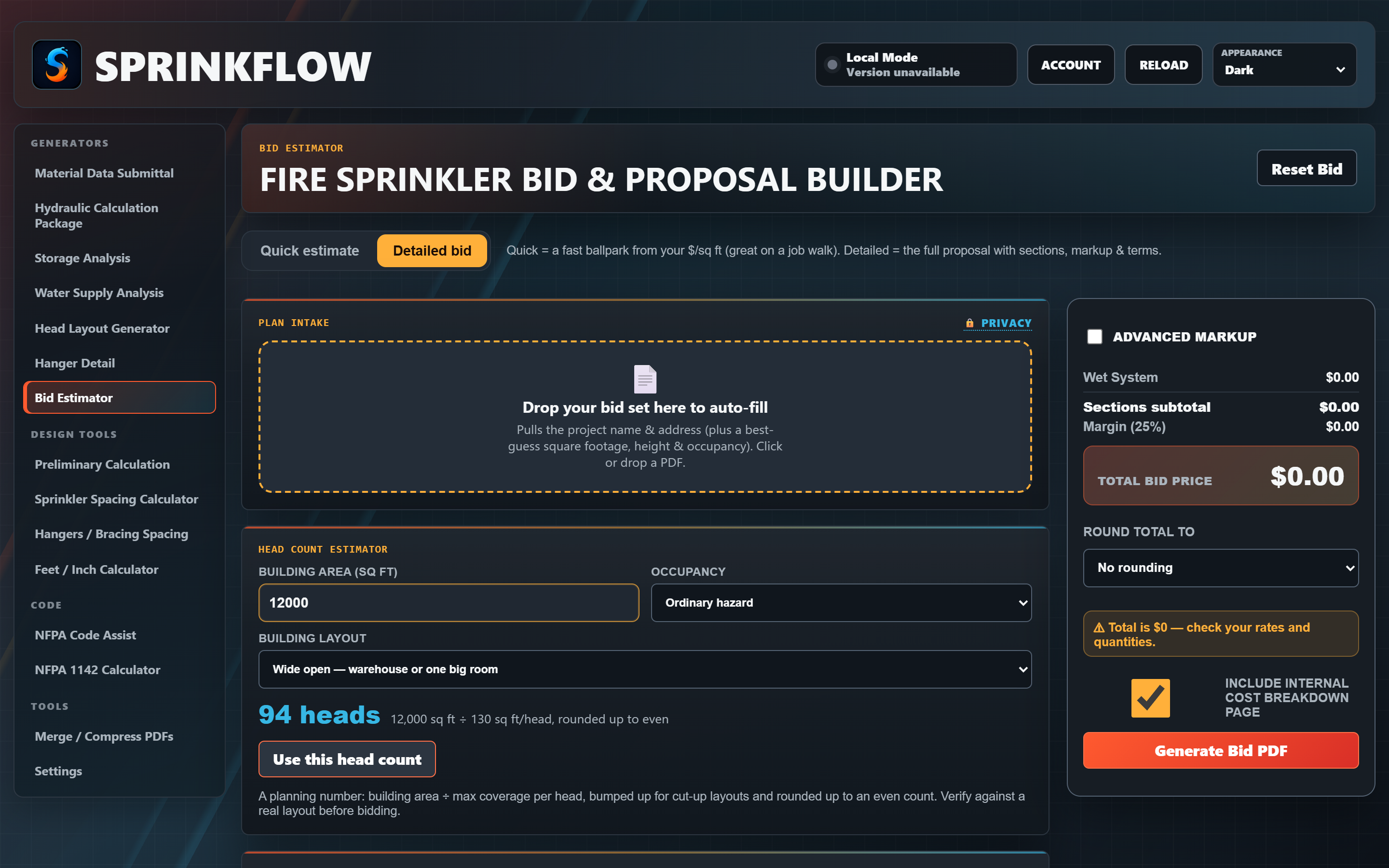
Enter the basics about a project and get an estimated head count and a standard estimating workflow — labor, materials, and markup — all in one place, with a proposal and breakdown PDF at the end.
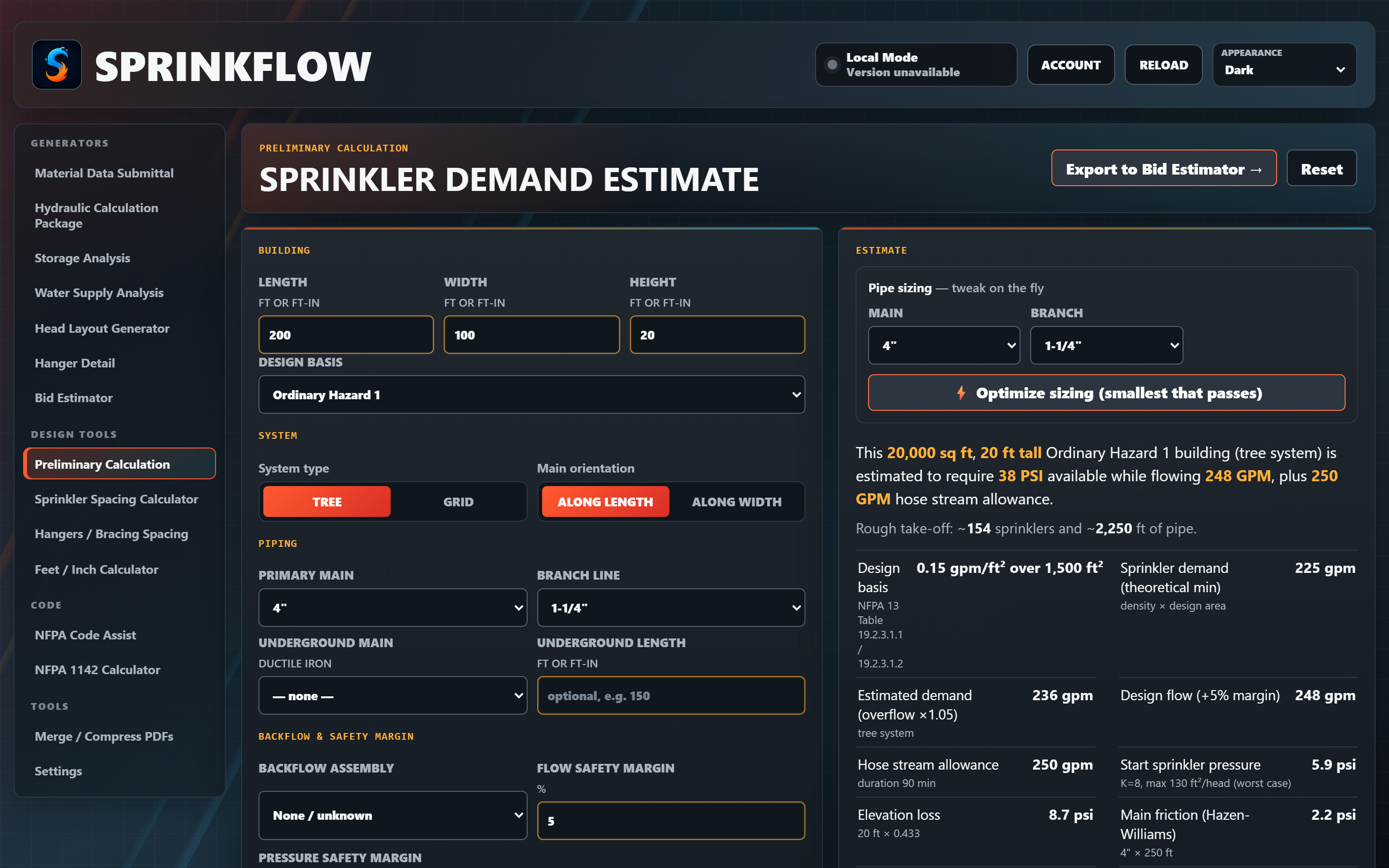
Give it the basics of a project and it sizes up your demand up front. Behind the scenes it lays out a representative system and runs a real hydraulic pass — density/area, Hazen-Williams friction, elevation and backflow losses, K-factor start pressure — to estimate the flow and pressure you'll need, and flags whether your supply looks adequate.
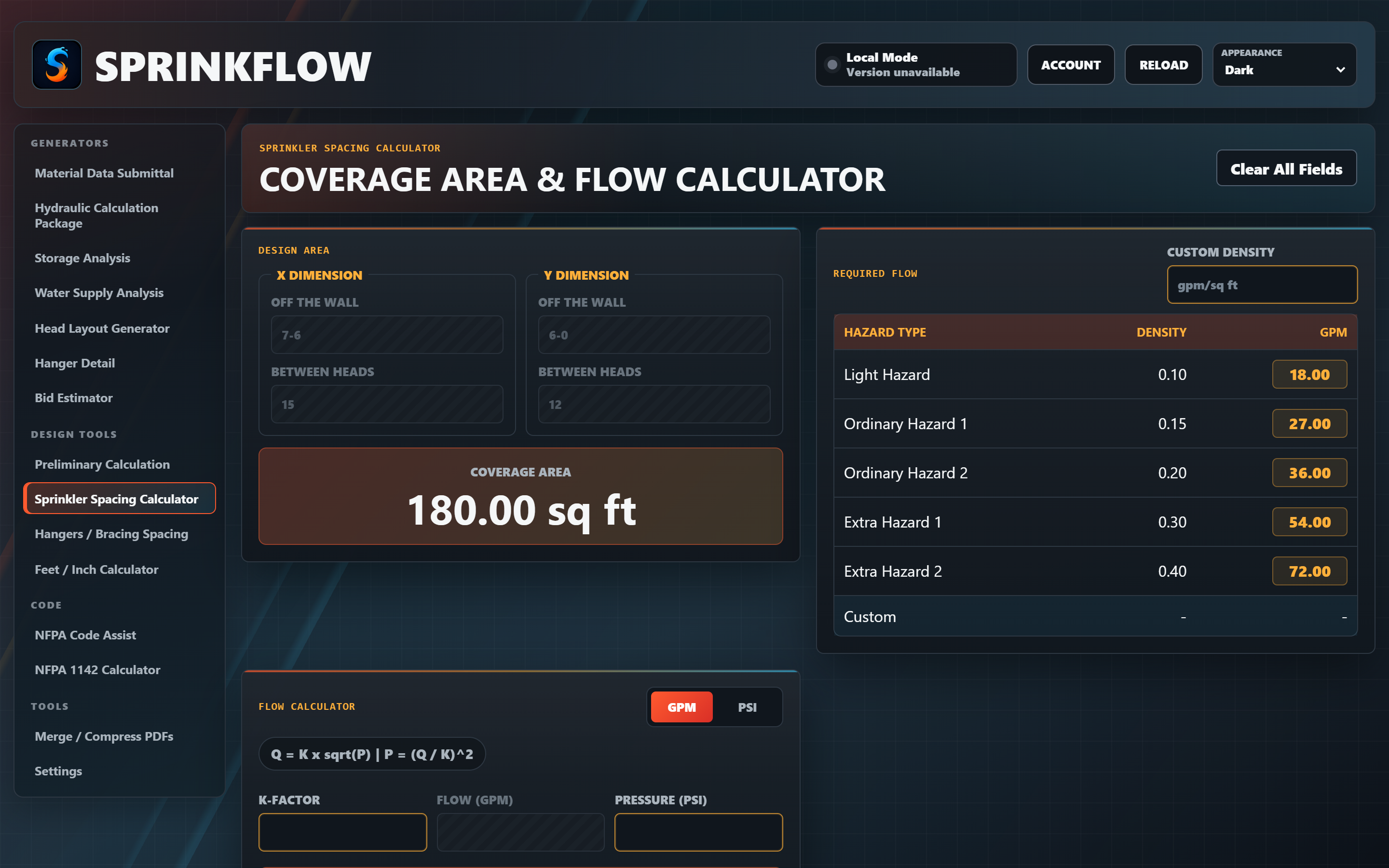
Check your spacing in seconds, especially handy for those off-the-wall dimensions. It gives you the coverage area and the required GPM and PSI for that spacing — perfect for fine-tuning your calcs.
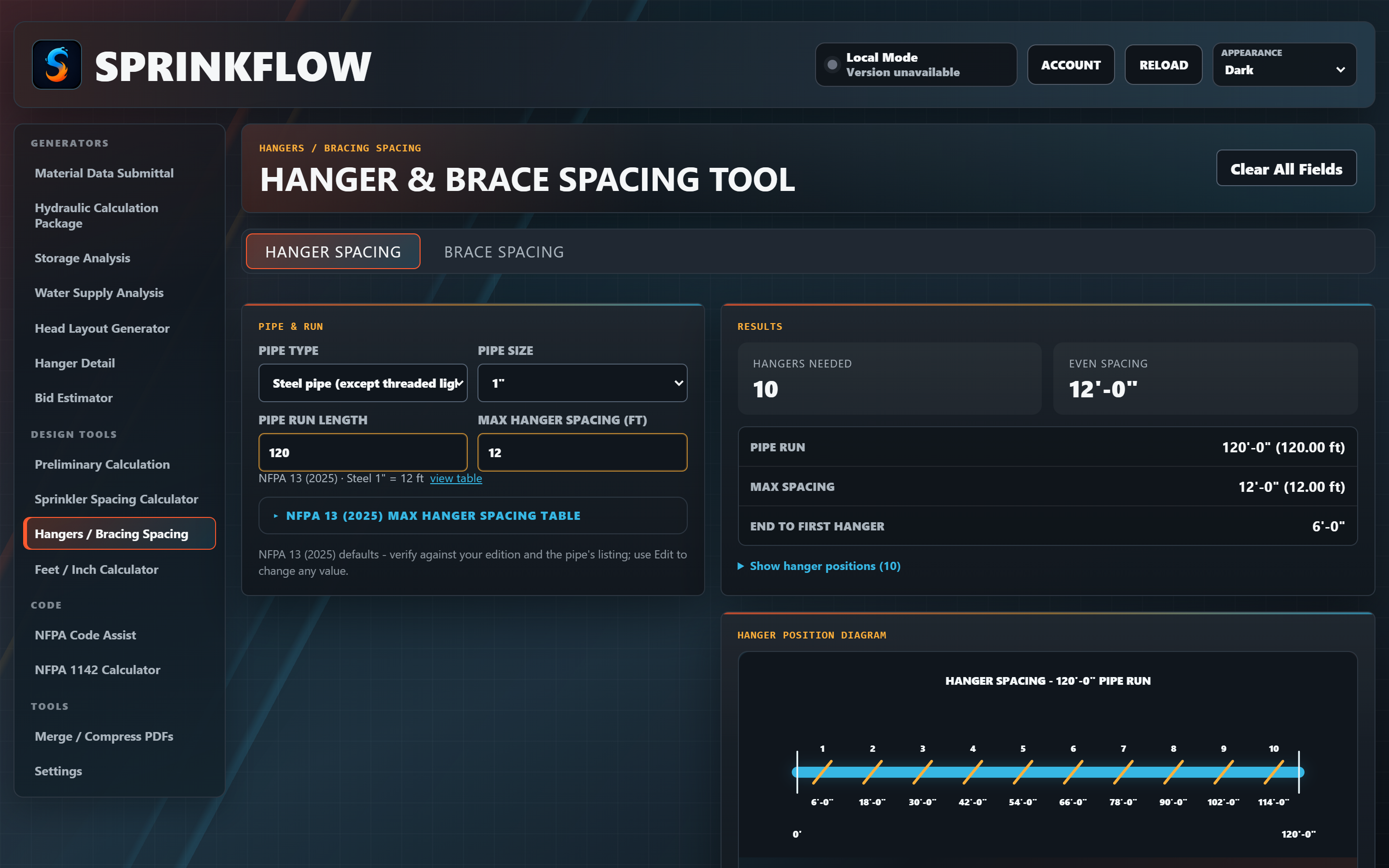
Produce dimensions for evenly spaced sway bracing and hangers. It places lateral braces within 6 ft of the ends of the main and spaces the rest evenly in between — no more eyeballing it on the riser diagram.
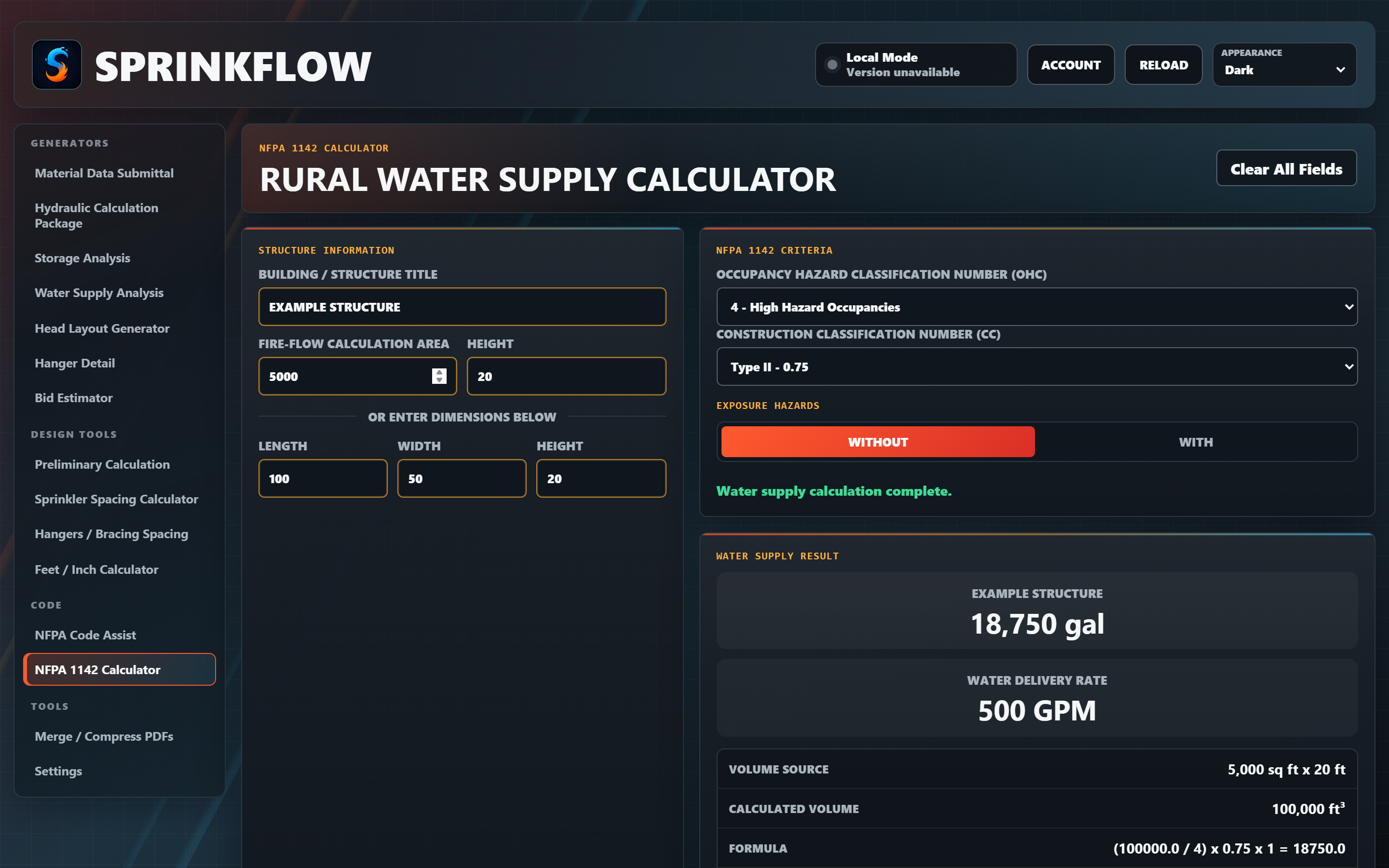
A guided wizard builds NFPA 13 sway-brace calculations — editions 2016 through 2025, including TIA 22-8 — with TOLCO, nVent CADDY, and AFCON hardware side by side. It can look up SDS from the job address, hunt down the largest passing brace spacing to the foot, and when a check fails it suggests verified fixes that actually pass. Export a clean calc sheet as a PDF or a paste-ready PNG for your plans.
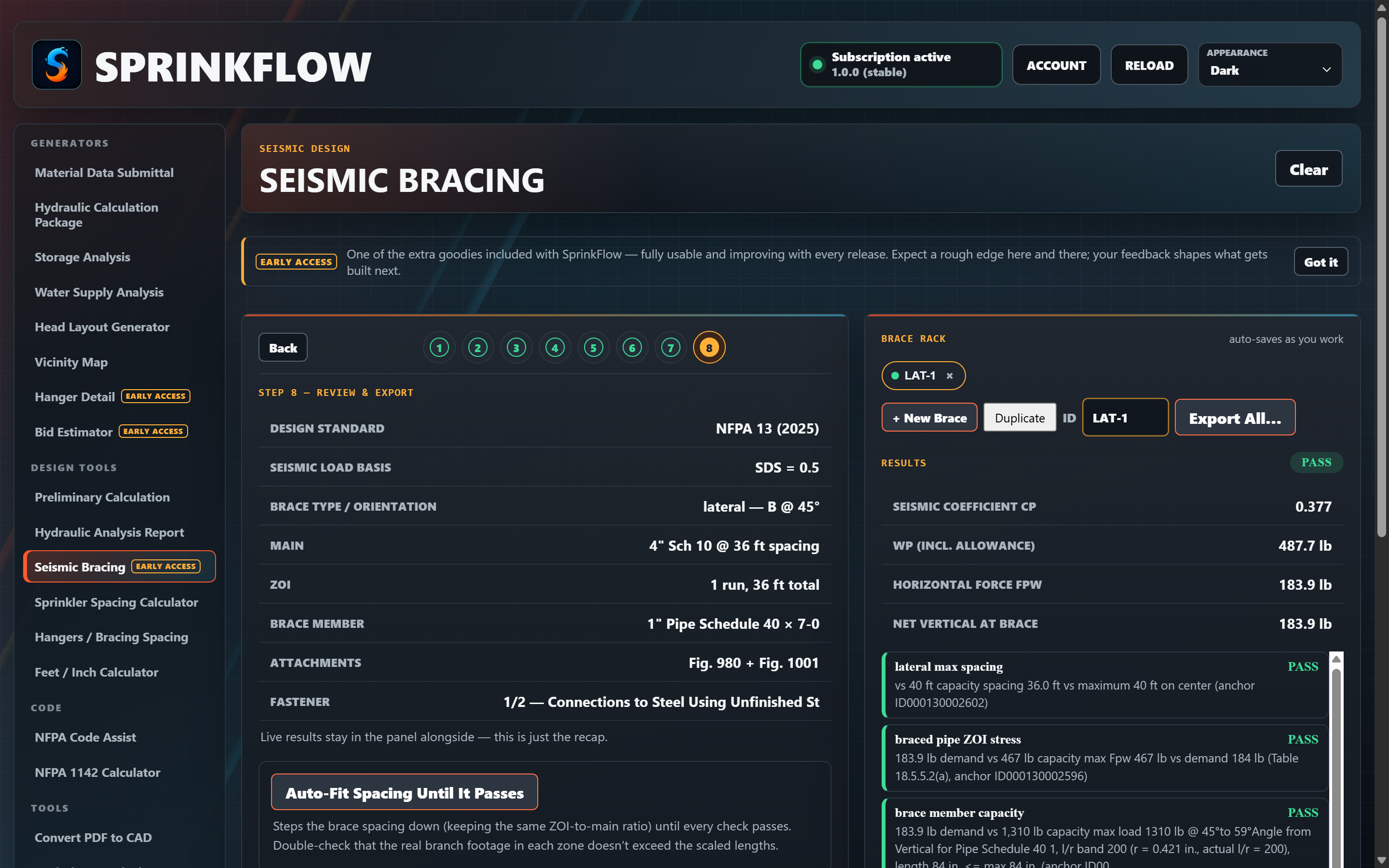
Type an expression in feet-inches — like 12-6 + 8-3 × 2 — and get the answer right back in feet-inches. No more converting to decimals in your head and back again.
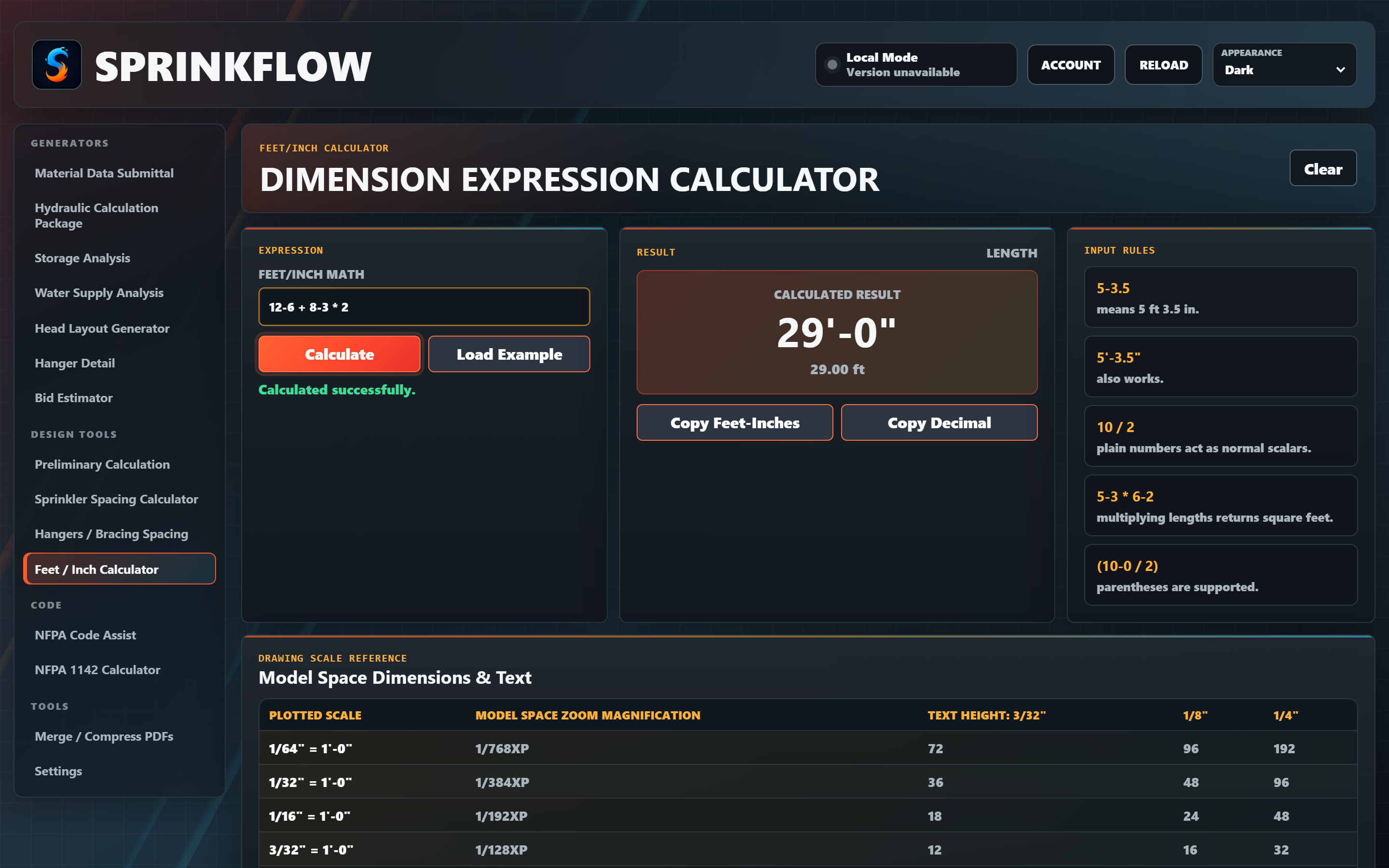
Enter a section number and SprinkFlow maps it across NFPA 13 editions, plus a searchable roadmap of common references — so you spend less time flipping through the index.
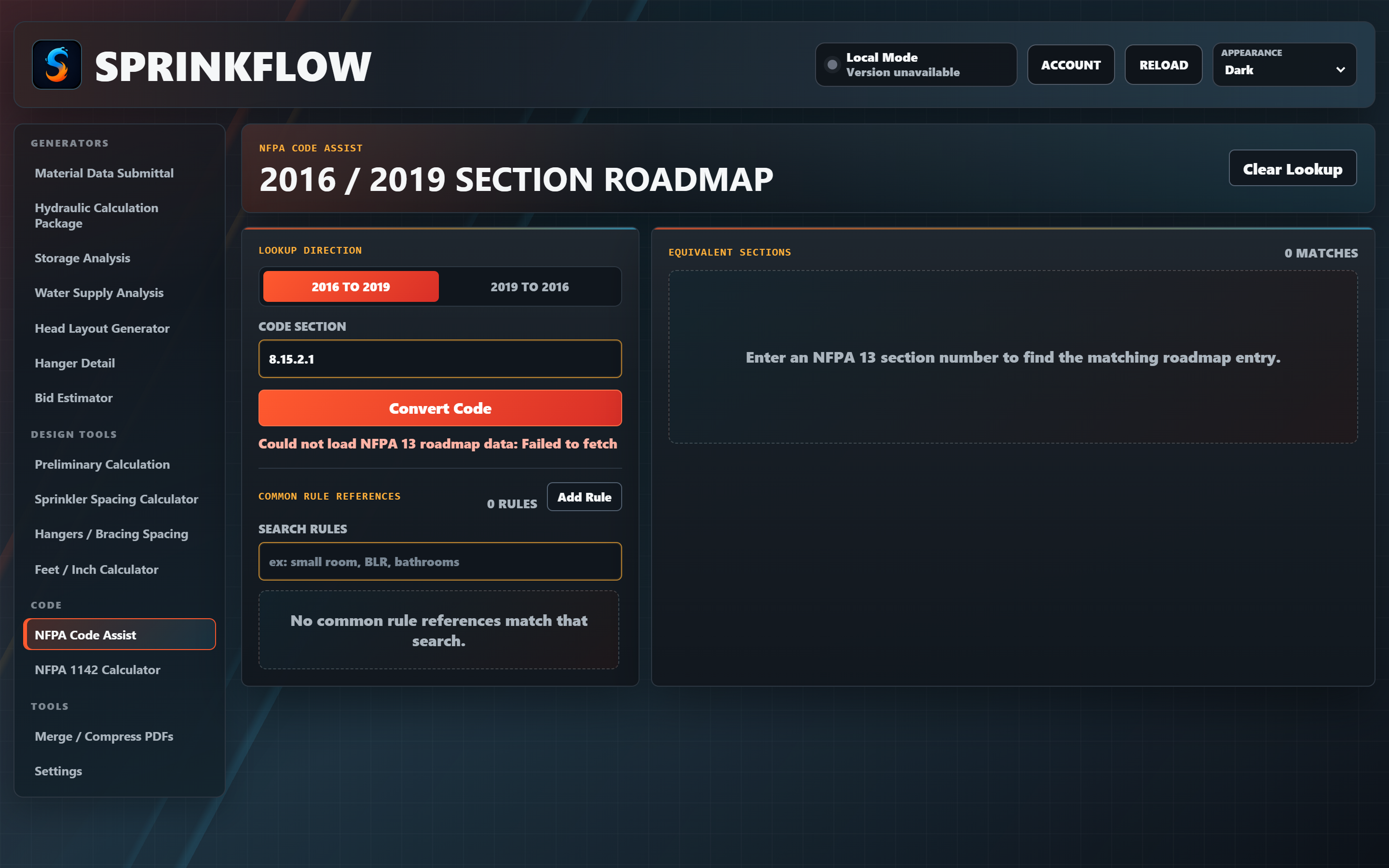
Enter the structure's dimensions and construction and SprinkFlow works the NFPA 1142 required water supply for you — occupancy and construction factors included — into a clean, documented result.
Merge a stack of PDFs into one, or compress an oversized file down to something you can actually email — right inside SprinkFlow, so you're not hunting for a separate tool when you're trying to ship a package.
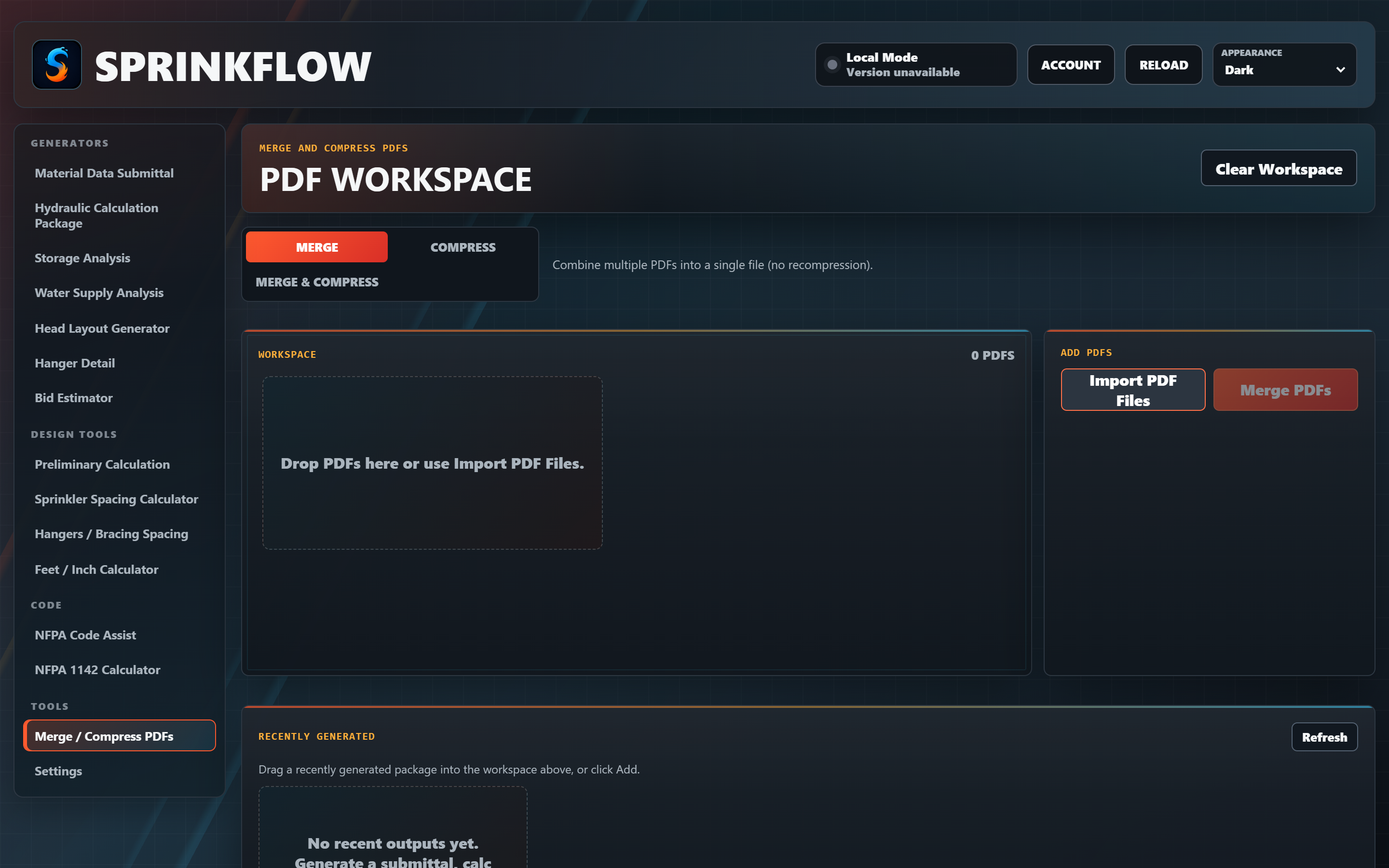
Install the Windows app, create an account, and use every tool. No card to get started.
Pick from the catalog or drop in PDFs — AI fills in the details.
Creating the account starts your trial — exports and all. Keep going for $39/month when it ends.
Create an account and your trial starts on the spot — every tool, every export, for a week. We don't ask for payment details to start one, so there's nothing to cancel and nothing to be charged. Keep going for $39/month whenever you decide it's worth it.
Cancel anytime in two clicks from your account page. No calls, no hoops. Questions? Talk to us →
Already decided? Subscribe now — $39/mo →
Free to download. Sign in with your account and the 7-day trial runs automatically — no credit card. Start a $39/month membership inside the app (or on your account page) when the trial ends. Windows may show a SmartScreen notice because the installer isn't code-signed yet — choose More info → Run anyway.
Download SprinkFlow Tools for WindowsSubscribing? The Design Studio alpha is a separate download, included with your membership.
Know another designer who'd use this? Send it their way → It's free to try.